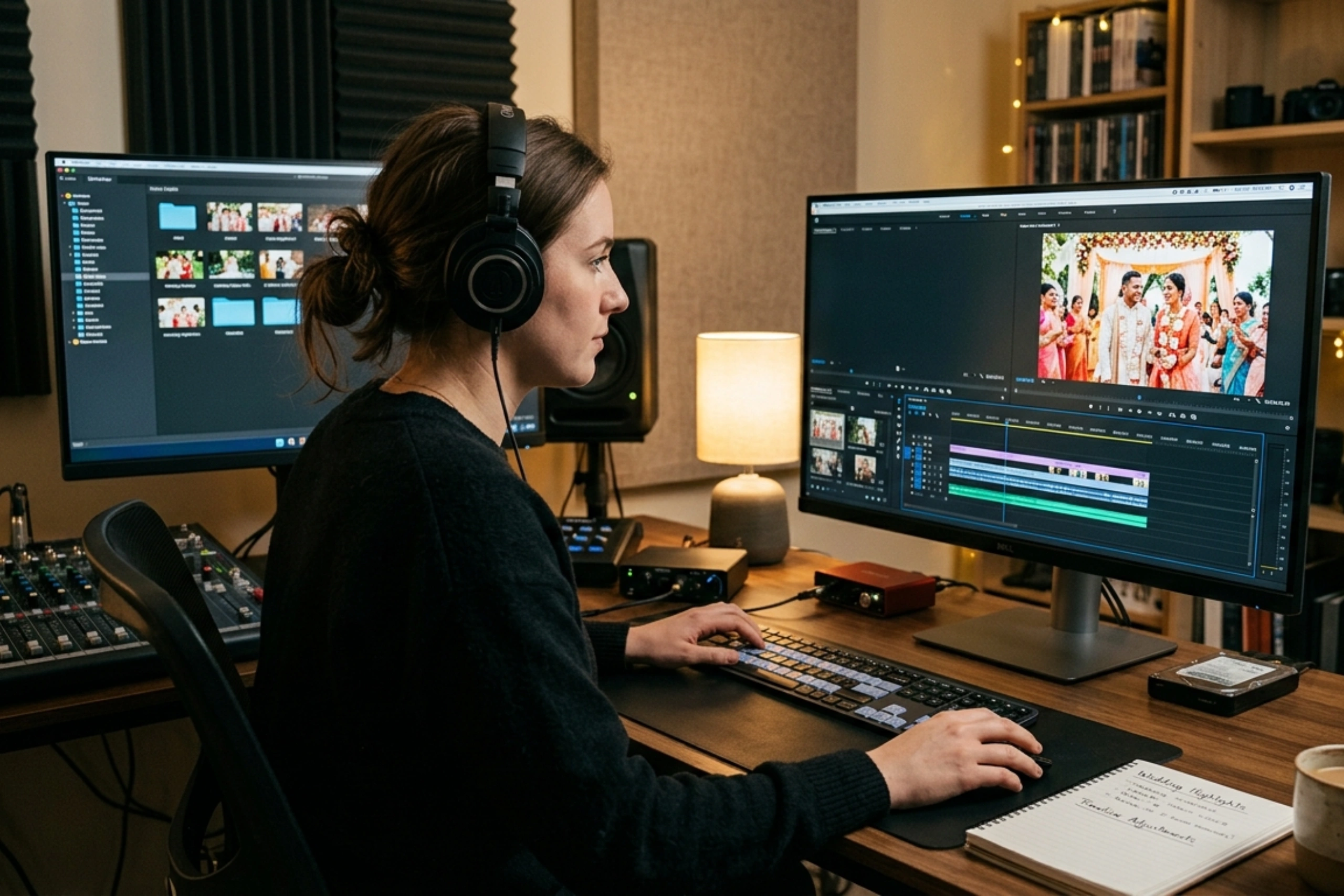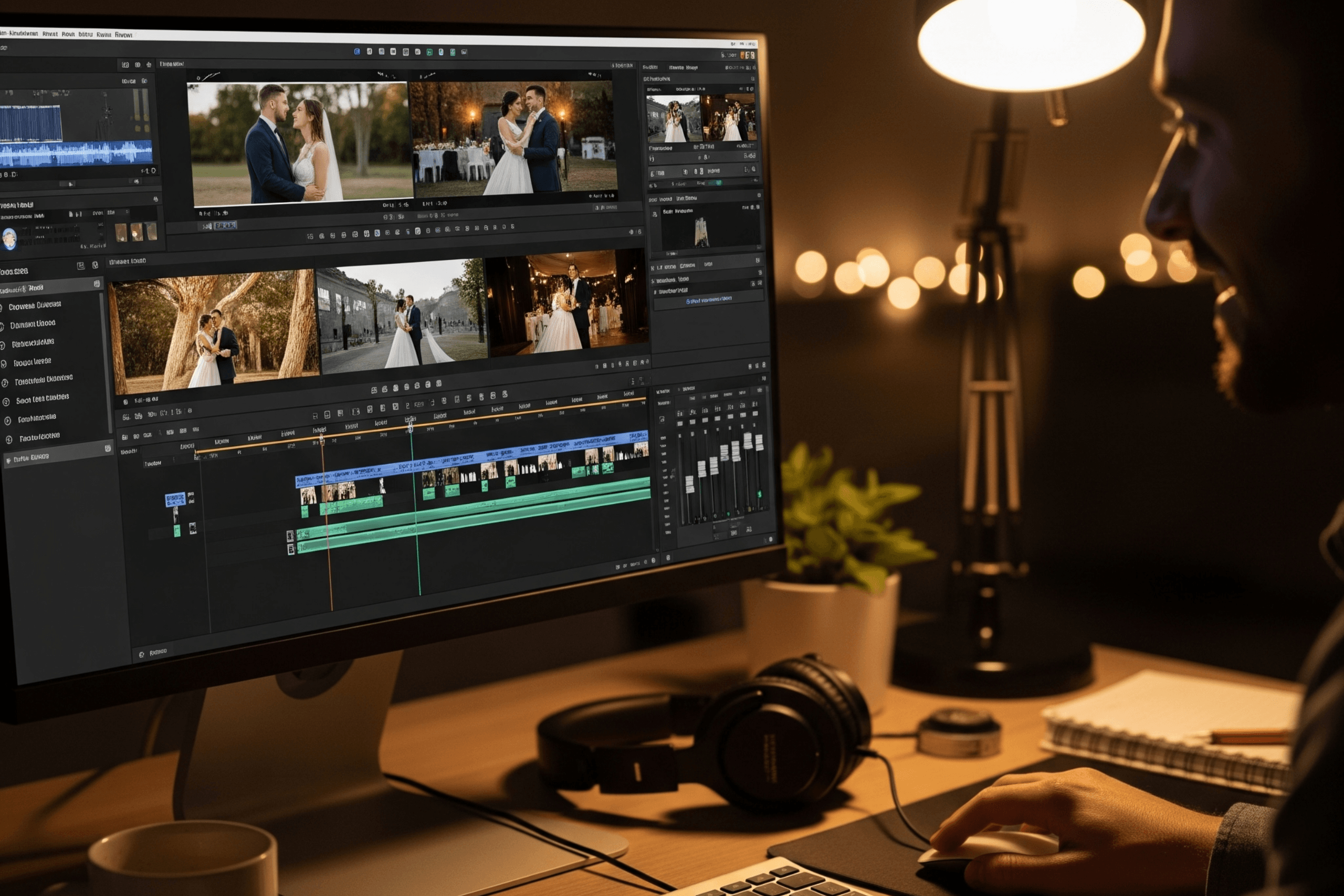
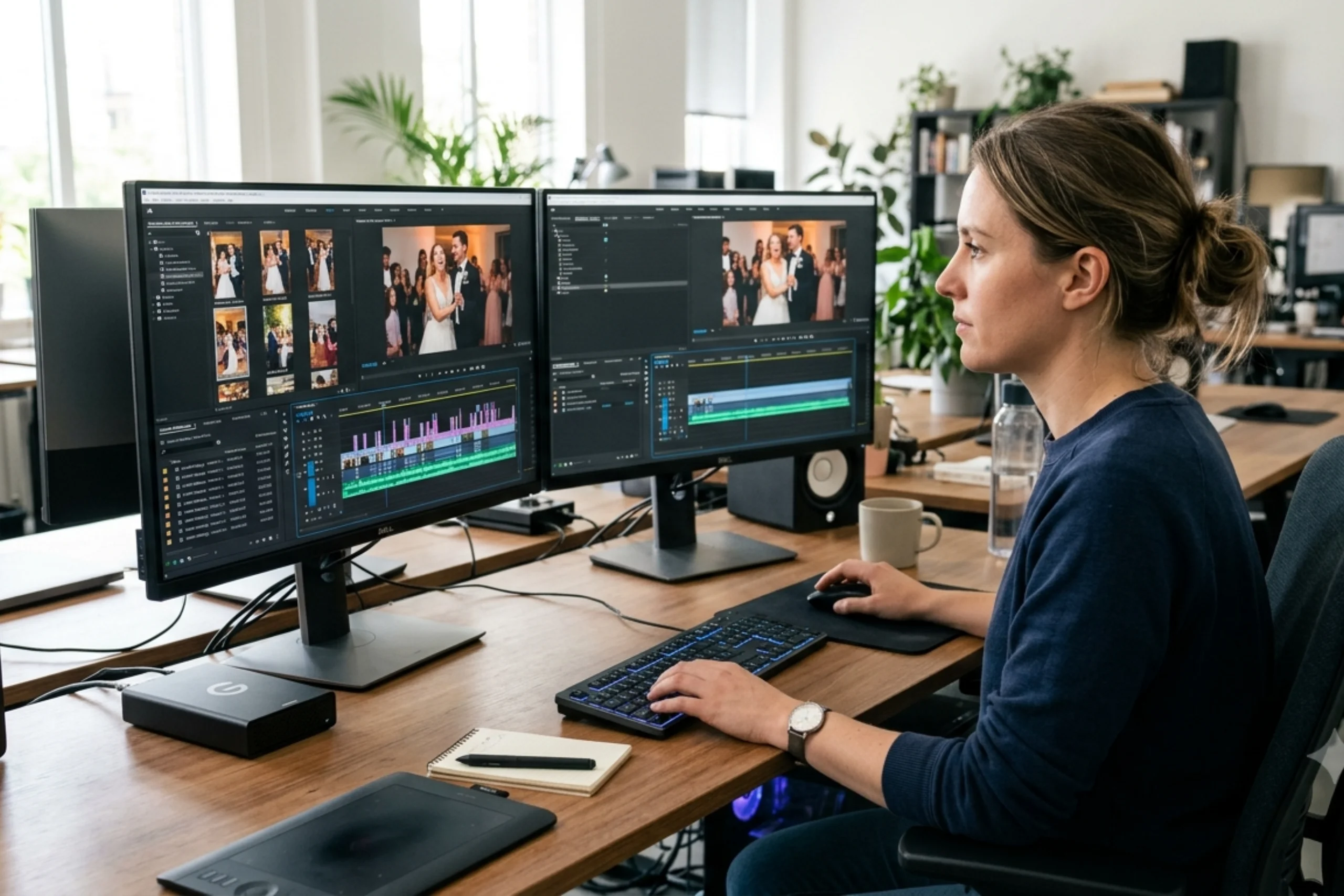
Demand for multiple-style wedding videos has increased significantly recently. The client wants more than a cinematic wedding film, like Instagram Reels, short teasers, vertical highlights, and behind-the-scenes clips for social Media. Wedding videographers do their best to deliver it, and they need wedding video editing software. Choosing the right software helps editors balance creative quality, turnaround time, and the technical requirements. Motion Edits’ Wedding Video editors are experts in providing all kinds of edits before the deadline.
For that, videographers and editors need to be on the same page and know the software that can be used for different editing tasks to deliver videos on time. The best choice depends on the deliverable, project complexity, hardware, and editing workflow.
Explore Our Wedding Video Editing
1. Adobe Premiere Pro: Best for Professional Wedding Teasers and Multi-Format Editing
For wedding videographers who require accurate timeline control and multiple deliverables from the same footage, Adobe Premiere Pro is a great option. It works well for vertical social media edits, highlight films, and cinematic teasers.
Editors can adjust color, refine audio, trim footage to match music, and create sequences for various aspect ratios. Its expert workflow is particularly helpful when a studio intends to work with other editors or requires consistent editing across multiple projects.
Best for: Cinematic teasers, branded wedding reels, and professional multi-format delivery.
2. DaVinci Resolve: Best for Cinematic Colour and Visual Consistency
Video editing, color grading, visual effects, and audio post-production are all integrated into DaVinci Resolve. It is especially helpful when footage from multiple cameras needs to look consistent or when a wedding film requires intricate color correction.
Videographers can control skin tones, exposure, contrast, and overall visual style when creating vertical timelines for social media. Additionally, editors with a tight software budget will find it appealing due to its free version.
Best for: Cinematic wedding highlights, colour-intensive teasers, and consistent visual finishing.
3. Final Cut Pro: Best for Mac-Based Wedding Editing Workflows
Wedding videographers using a Mac who want an effective editing experience should give Final Cut Pro some thought. With its Magnetic Timeline, Wedding video editor can organize supporting footage, music, and clips without having to manage every track like they would with a traditional timeline.
It is useful for putting together quick highlight films, cutting poignant scenes to music, and producing different versions for various platforms. Because it was created for the Apple ecosystem, its primary limitation is platform compatibility.
Best for: Mac-based editors producing wedding highlights, teasers, and social media versions.
4. CapCut: Best for Quick Vertical Reels and Social Content
Accessible, social-first editing is the foundation of CapCut’s design. It provides tools like auto captions, templates, and fast text and effect workflows, depending on the version and features available.
Short vertical edits, popular audio formats, venue previews, and behind-the-scenes material can all benefit wedding videographers. Before depending on it for client delivery, editors should confirm export choices, watermark limitations, music licensing, and availability in their area.
Best for: Quick Instagram Reels, short teasers, and social-first wedding content.
5. Wondershare Filmora: Best for Template-Based Editing and Quick Turnaround
For editors who want easily accessible editing tools without the hassles of a full professional post-production workflow, Wondershare Filmora is a sensible choice. Short wedding montages and social media videos can be effectively produced with its templates, effects, and beat-sync capabilities.
Although editors should compare its export options and creative controls to the needs of their clients, it might work well for smaller studios that frequently produce promotional clips.
Best for: Template-based wedding teasers, quick montages, and beginner-friendly social video editing.
How to Choose the Right Wedding Video Editing Software
Think about the kind of content you create most frequently before choosing software. For professional multi-format editing, Premiere Pro is a flexible option; DaVinci Resolve is excellent at color grading; Final Cut Pro works well with Mac-based workflows; CapCut facilitates rapid social-first edits; and Filmora provides an approachable method for template-based content.
Additionally, see if the program supports the export settings you need, whether your computer can handle the footage, and how simple it is to move projects between editors.
Final Thoughts
Your production requirements, not just popularity, will determine which software is best for editing wedding reels, teasers, and vertical videos. Wedding videographers can maintain quality while producing content quickly by selecting the appropriate tool for each format. Working with a professional wedding video editing services, Motion Edits can help studios handle extra projects without sacrificing their creative standards when seasonal workloads become too much to handle.
Explore Our Wedding Video Editing
FAQs
1. Which is the best software for editing wedding reels?
For short, social-first wedding reels, CapCut is a practical choice. Editors who require more complex workflows, detailed color grading, and sophisticated timeline control are better suited for Adobe Premiere Pro and DaVinci Resolve.
2. Which software is best for editing cinematic wedding teasers?
Final Cut Pro, DaVinci Resolve, and Adobe Premiere Pro are all excellent choices. Your computer, color-grading needs, editing experience, and preferred workflow will all influence the best option.
3. Can wedding videographers edit vertical videos in Premiere Pro and DaVinci Resolve?
Yes. Vertical video workflows are supported by both. Editors can modify compositions, reframe horizontal footage, create 9:16 sequences, and export videos to YouTube Shorts and Instagram Reels.
4. What is the difference between wedding video editing software and reel editing apps?
More control over intricate timelines, color, audio, and project organization is typically available with professional editing software. Quick edits, templates, captions, and social media-friendly workflows are given top priority in reel-focused apps. The deliverable determines the optimal choice.
5. Can wedding videographers outsource editing for reels and teasers?
Yes. A professional editing team can handle reels, teasers, highlight films, and other deliverables for wedding videographers. Consistent outcomes are ensured by a concise, well-organized video, musical references, and precise aspect ratios.